

How to Connect a Receipt Printer


How to Connect Your Receipt Printer to POS
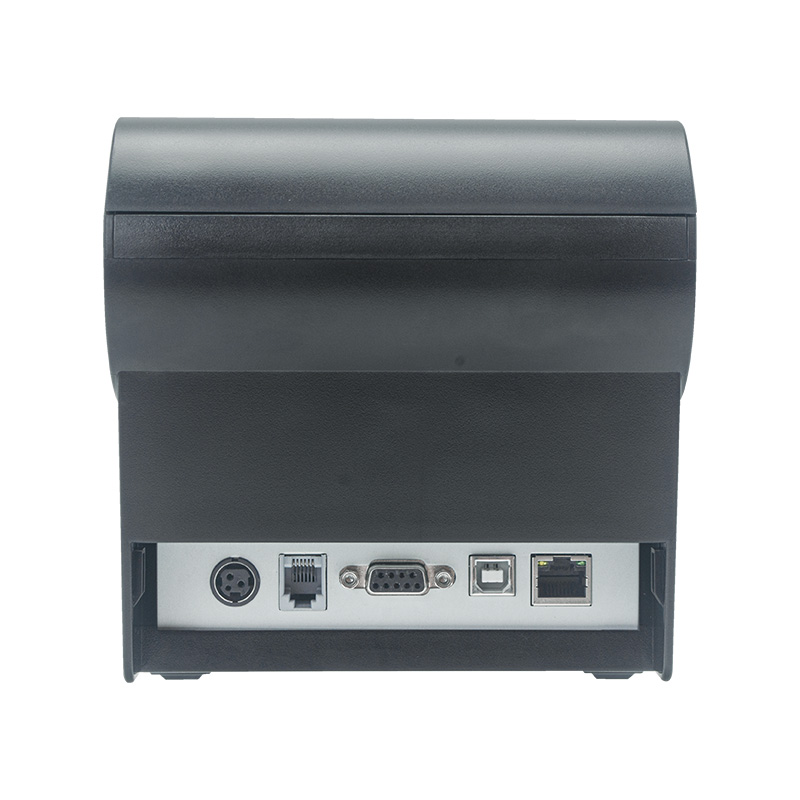
Follow these steps to connect your receipt printer.
For USB printers
- Plug USB cable into POS/PC
- Turn printer ON
- Install printer driver (TillSense already done this step)
- Print test receipt
If nothing prints, restart both printer and POS PC.
Need installation help? Contact TillSense.