

How to Add Products in Robotill


How to Add Products in Robotill POS
Use this guide to add new items or update prices in Robotill.
Steps
- Open Robotill Back Office app
- Go to 'Products and Stock' > Products
- Click on the 'New' button
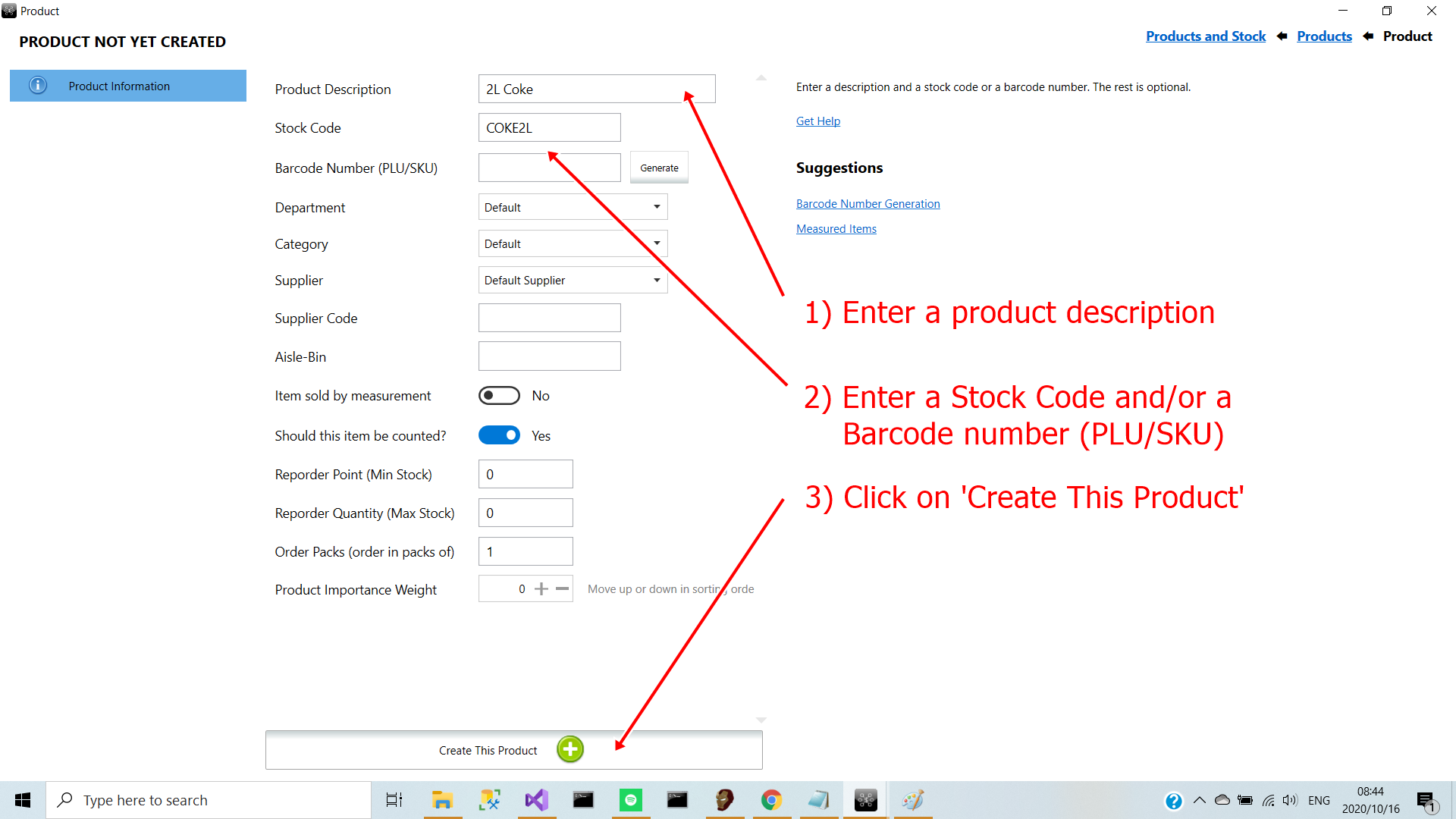
- Enter product name
- Enter Stock code
- Select category (The rest are optional)
- Click on 'Create This Product' to see more options available, like price entry.
Tip
There are no 'Save' buttons in ROBOTILL Back Office as your changes are automatically saved as you work
.