

First Time POS Setup Guide - Desktop Robotill System


First Time POS Setup – Getting Started with Your TillSense System
This guide helps you set up your POS system for the first time and start selling immediately.
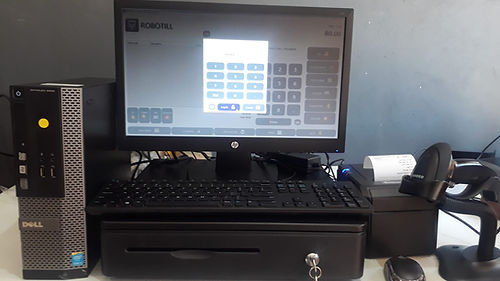
Before you start
- POS device powered on
- Printer connected
- Internet/WiFi ready (Only for license activation)
- Login details from TillSense
Steps
- Turn on your Desktop POS device
- Turn on the receipt printer
- Connect to WiFi
- Open Robotill Back Office App
- Log in using your account
- Make a small test sale and print receipt
If the receipt prints, your system is ready.
Tip
Always test printing before opening your shop each day.
Need help? Contact TillSense support.